

All Cummins Overlay Files BEE BDR BDH BDG And More- DEF DPF EGR SCR Delete Tuning Files

All Cummins Overlay Files BEE BDR BDH BDG And More- DEF DPF EGR SCR Delete Tuning Files
This item Will easily teach you how to delete DPF EGR SCR of any Cummings caltterm Model .
this will save 80% study time.
This files set can help you to remove fault codes and
trouble with after-treatment EGR system on your truck
trouble with after-treatment EGR system on your truck
included Files :
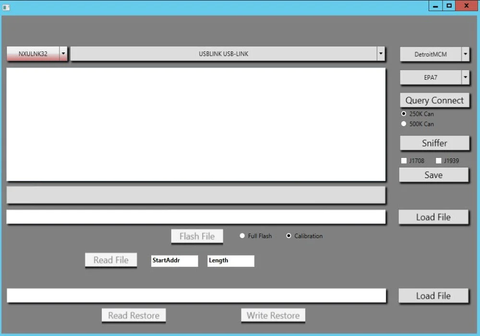
- All Cummins Overlay Files As Showing In Picture
- BEE.xml
BDR-VGT.exp.xml
BDR-5.exp.xml
BDH.xml.exp.xml
BDG.xml.exp.xml
BBY.exp.xml
BBO.exp.xml
BAD.exp.xml
BAC.xmlBLO.exp.xml
BKR.exp.xml
BKK.xml
BGT-VGT.exp.exp.xml
BGT.exp.xml
BFV.exp.xml
BFU.xml
BEI.xml
BEG.xmlENF-VGT.exp.xml
BLO.xml - Video guide Shows How To Delete All Models Using Overlay Files
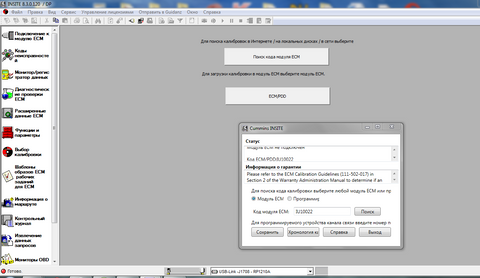
You will need both Caltterm and site to do this job. Remember always back up work order with insiite and original calibration with Caltterm before doing this.
Load correct ECFG (stock)
Load your XML (overlay source)
Verify parameters look correct
Save as .XCAL
Load the new .XCAL
Write / Send to ECM
After writing successfully → overlay is applied.
This is the all needed files ,Programming Support Is not included in price .
In order to use this files you will need to know How to Program Cummings Controller by Caltterm .
These services are intended for off-road, racing, export, or controlled-use applications only. Customers are responsible for ensuring compliance with local laws and regulations.
Customer Reviews
Based on 3 reviews
Write a review
We Also Recommend
Customer Reviews
Based on 3 reviews
Write a review